Automation
Seqera Platform provides several programmatic interfaces to automate pipeline execution, chain pipelines together, and integrate Platform with third-party services.
Platform API
The Seqera Platform public API is the lowest-level programmatic interface. It can perform every operation available in the user interface.
Use the API to launch pipelines in response to a file event (such as a file upload to a bucket) or the completion of a previous run.
The API is available at https://api.cloud.seqera.io.
The full list of endpoints is available in Seqera's OpenAPI schema. Every API request requires an authentication token. Create one from your user menu under Your tokens.
The token is displayed only once. Store it securely and use it to authenticate API requests.
Example pipeline launch API request
curl -X POST "https://api.cloud.seqera.io/workflow/launch?workspaceId=38659136604200" \
    -H "Accept: application/json" \
    -H "Authorization: Bearer <your_access_token>" \
    -H "Content-Type: application/json" \
    -H "Accept-Version:1" \
    -d '{
    "launch": {
        "computeEnvId": "hjE97A8TvD9PklUb0hwEJ",
        "runName": "first-time-pipeline-api-byname",
        "pipeline": "first-time-pipeline",
        "workDir": "s3://nf-ireland",
        "revision": "master"
    }
}'
Platform CLI
For bioinformaticians and scientists who prefer the command line, Platform provides tw, a command-line tool to manage resources.
Use the CLI to launch pipelines, manage compute environments, retrieve run metadata, and monitor runs on Platform. It provides a Nextflow-like experience and lets you store Seqera resource configuration, such as pipelines and compute environments, as code. The CLI is built on the Seqera Platform API but is simpler to use. For example, you can refer to resources by name instead of by unique identifier.
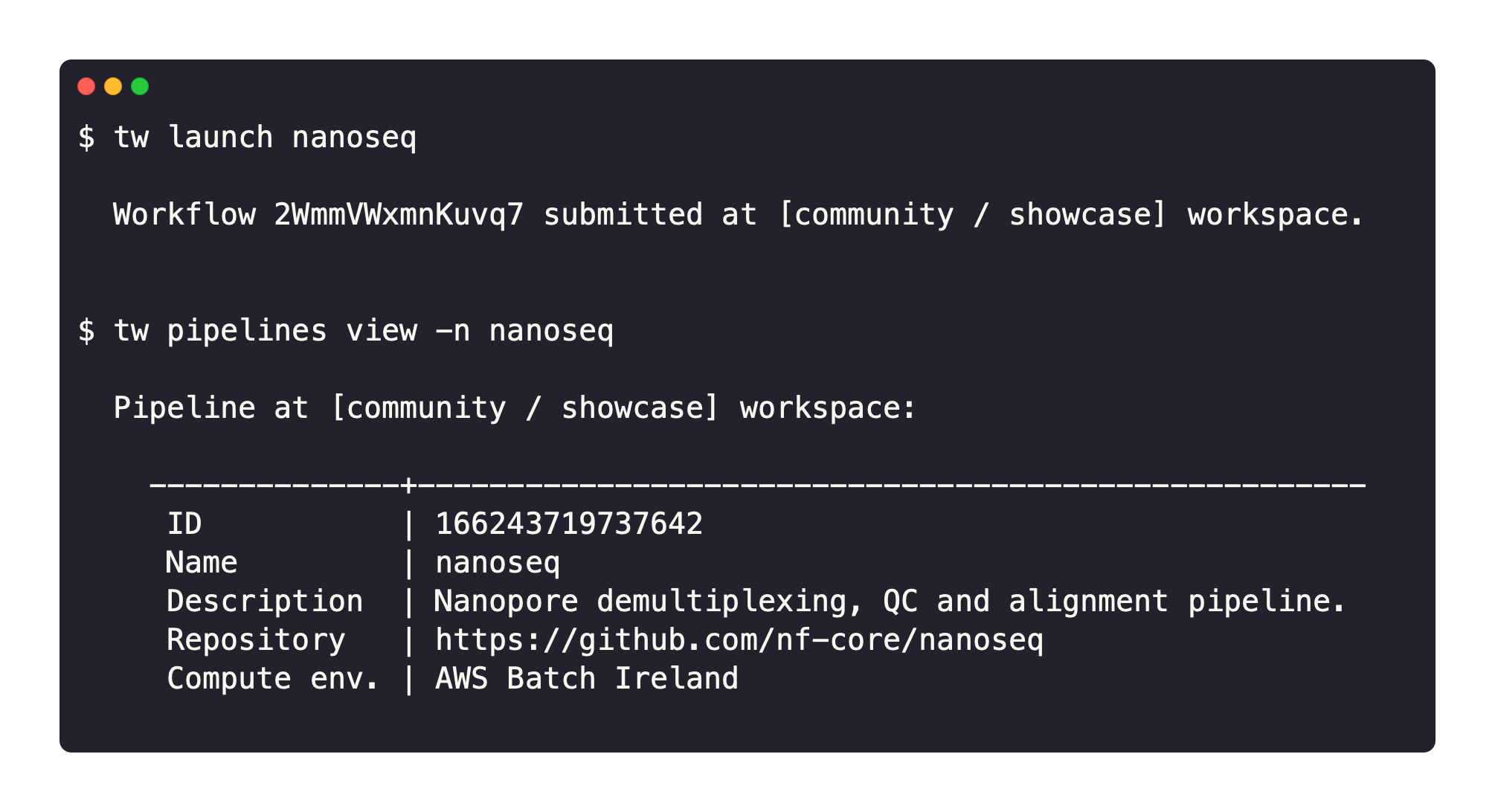
See CLI for installation and usage details.
Example pipeline launch CLI command
tw launch hello --workspace community/showcase
seqerakit
seqerakit is a Python wrapper for the Platform CLI that automates the creation of Platform entities from a single YAML configuration file. It can create everything from organizations and workspaces to pipelines and compute environments, and launch workflows.
The key features are:
- Simple configuration: Define all Platform CLI command-line options in YAML format.
- Infrastructure as code: Manage and provision your infrastructure specifications.
- Automation: Create entities end-to-end, from adding an organization to launching pipelines within it.
See the seqerakit GitHub repository for installation and usage details.
Example pipeline launch seqerakit configuration and command
Create a YAML file called hello.yaml:
launch:
- name: "hello-world"
    url: "https://github.com/nextflow-io/hello"
    workspace: "seqeralabs/showcase"
Then run seqerakit:
$ seqerakit hello.yaml
Resources
Common use cases for these automation methods include executing a pipeline as data arrives from a sequencer, or integrating Platform into a broader user-facing application. For a step-by-step guide to setting up these automation methods, see Workflow automation for Nextflow pipelines.
For examples of how to use automation methods, see Automating pipeline execution with Nextflow and Tower.